Graphic design is the Great Communicator—it’s problem solving. Good design translates and consolidates ideas or content, presenting them in a way that elicits a feeling ...
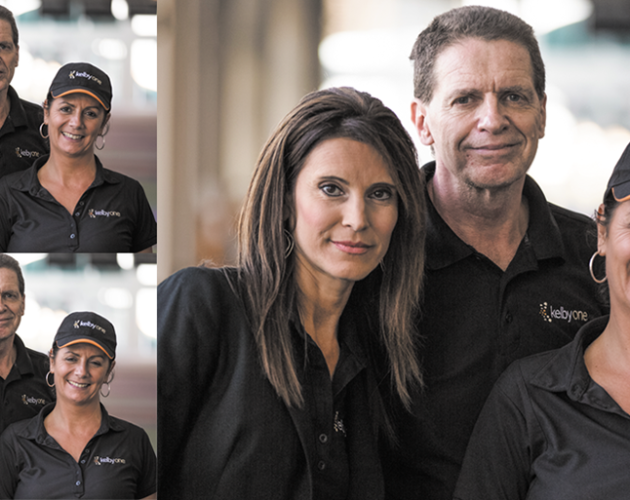
Group shots are always a challenge because, without a doubt, somebody in the group will be totally hammered (at least, that's been the experience with ...
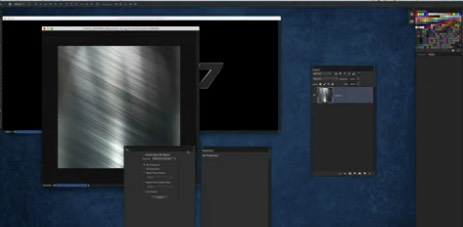
By Corey Barker Excerpt from Photoshop Down & Dirty Tricks for Designers, vol. 2 Sometimes getting an accurate selection means going beyond using normal tools ...
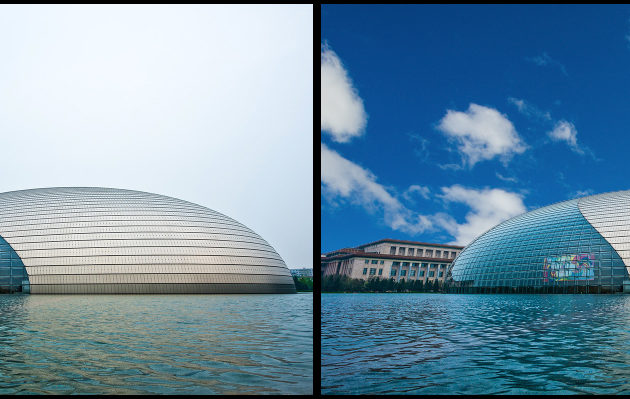
Sometimes we don't get to shoot in perfect weather. Especially when you're traveling—you don't get to pick the day, time, or weather forecast. It has ...
What takes a really spectacular scene and reduces it to an ordinary snapshot? These seven problems in landscape photography are easy to resolve if you ...
By Scott Kelby Excerpt from Photoshop for Lightroom Users This is yet another form of compositing, but it's kind of "reverse compositing" because, instead of ...