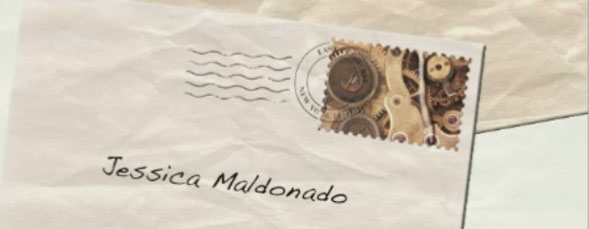
In this two-part tutorial, viewers will learn how to use a stock image of a paper texture to design an envelope, a stamp, and a cancellation, all within Photoshop.

Products You Might Like
-
Adobe Photoshop CS4 Design Effects
by Corey Barker

Price: $69.99 -
The Adobe Photoshop CS5 7-Point System for Camera Raw
by Scott Kelby

Price: $69.99 -
Photoshop CS2 Mastering Camera Raw
by Ben Willmore

Price: $19.99


I’d love to see the video, but it will not play.
Let’s see if leaving a comment starts the player like it did the other day…
Thanks for the stamp tutorial – looking forward to the second video!
Well done, just a beginner but I learned several new techniques.
The video played fine yesterday when I first watched it. Looking forward to pt. II.
Great tutorial. Lots of useful keyboards shortcuts and tips.
Won’t play using Safari.
Actual postage stamps have a white border. The stamp graphic does not extend to the crenated edge. This would be easy to duplicate by just reducing the size of the graphic to leave a margin of the white layer exposed.
[...] View full post on Layers Magazine [...]
