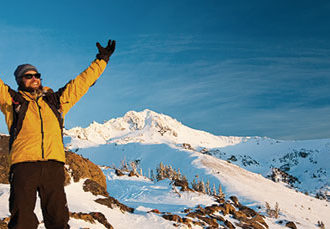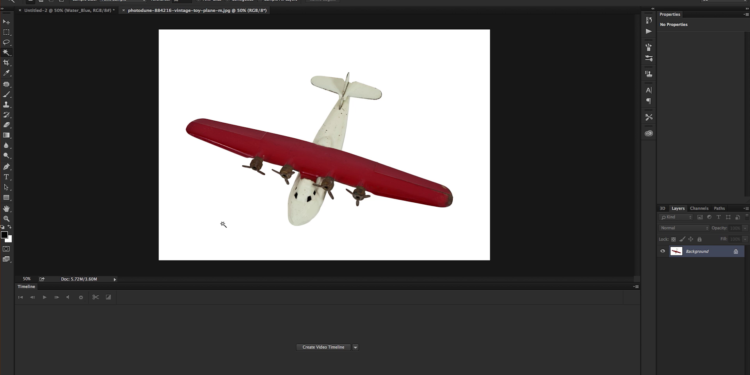
In this tutorial, Daniel combines two photos and uses a displacement map, clipping mask, blend modes, adjustment layer, and brush to simulate a movie poster for Unbroken. He also shows you a few tips and shortcuts to help you work in Photoshop.

In this tutorial, Daniel combines two photos and uses a displacement map, clipping mask, blend modes, adjustment layer, and brush to simulate a movie poster for Unbroken. He also shows you a few tips and shortcuts to help you work in Photoshop.
We use cookies to improve your experience on our site. By using our site, you consent to cookies.
Manage your cookie preferences below:
Essential cookies enable basic functions and are necessary for the proper function of the website.
CloudFlare provides web performance and security solutions, enhancing site speed and protecting against threats.
Service URL: developers.cloudflare.com (opens in a new window)
These cookies are needed for adding comments on this website.
Statistics cookies collect information anonymously. This information helps us understand how visitors use our website.
Google Analytics is a powerful tool that tracks and analyzes website traffic for informed marketing decisions.
Service URL: policies.google.com (opens in a new window)