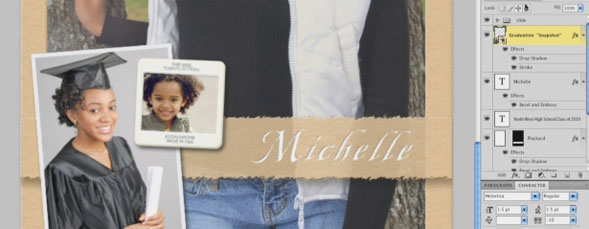
In this two-part tutorial, use Photoshop to create a multi-layered design including multiple pictures, fonts and layer styles.

Share & Enjoy


  1. Ken (Reply) on Thursday September 9, 2010

    I am able to view or play your tutorials on windows explorer or Mozilla.

    When I press the play button, noting happens, I have checked blockers, etc….

    however when I am on my napp site I can play videos?????

    hope you can help me

    Ken

  2. jamratt (Reply) on Thursday September 9, 2010

    Same here on Mac. Safari and Firefox latest browsers. Latest flash player.

  3. JohnS (Reply) on Thursday September 9, 2010

    If I receive the video by e-mail, I have to double click on the title to open the player in a browser, then it will play.

  4. Idris (Reply) on Thursday September 9, 2010

    Hello ppl, in order for the video to play – do the following. Once the ads have run & video appears to be loading, you are correct, nothing happens. HOwever, if you press pause & then play again as if by magic the video now plays but it’s also viewable! How awesome ]

    Ps great tut : )

  5. [...] Portrait Design in Photoshop, Part 1 & 2 – Today, 10:50 AM Senior Portrait Design in Photoshop, Part 1 | Layers Magazine Senior Portrait Design in Photoshop, Part 2 | Layers Magazine ————————— Real [...]


Planet Photoshop Photoshop World Kelby Training Lightroom Killer Tips NAPP Scott Kelby
