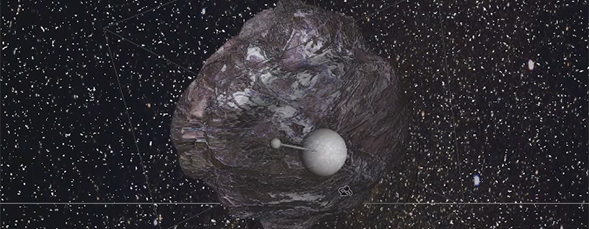
Use Photoshop CS6 Extended 3D tools to create a spherical object and then edit the depth map information to create contours on the object using different gray scale values.


Thank you Stepehen, what a beautiful demo. I just got my CS6 and can’t wait to get to the 3D. Renata
S,
Well done. Thank you for explaining this idea so simply and clearly…..
M
Excellent tutorial. I’ve been creating space art ever since CS4 and had problems creating realistic asteroids or meteors. Keep up the great work.
The texture of the meteor is amazing… Great justification for buying CS6!