Applying a Gradient to Editable Type in Illustrator
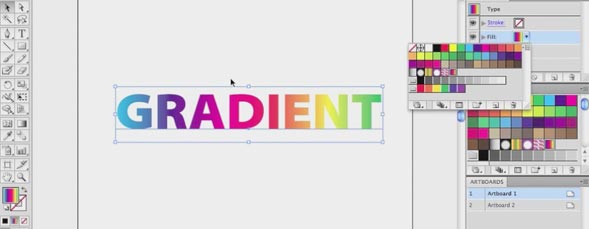
Jeff Witchel has worked out a backdoor workaround to apply a gradient to type while keeping it editable. Watch this video to learn Jeff’s method.

Share & Enjoy


  1. Jason (Reply) on Monday March 5, 2012

    Grat tutorial. I wondered if it’s possible to use this technique to apply a gradient stroke to live type? I can’t make it work.

  2. Rick (Reply) on Monday March 5, 2012

    Thank You! You just saved me a bunch of time on multiple projects!

  3. John Delton (Reply) on Monday March 5, 2012

    Best use of gradient tool i ahve learn so much techniques from this video thanks for sharing these…

  4. Joe Raucci (Reply) on Monday March 5, 2012

    Jeff, Thank you for that work around. I think you should contact Adobe with this tip. it is very usefull and time saving.

  5. Jan Van Cauwenberghe (Reply) on Monday March 5, 2012

    Great tip

    txs

  6. Shawn (Reply) on Monday March 5, 2012

    Love this little trick, tried it out on a project where I needed rainbow text, but can’t help thinking it would be easier to create it in Photoshop then copy and paste in illustrator, that works too.


Planet Photoshop Photoshop World Kelby Training Lightroom Killer Tips NAPP Scott Kelby
