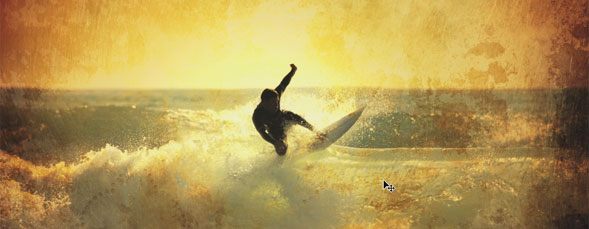
Blending a texture layer into your photograph is a great way to make your images more creative. Matt demonstrates how to do this in Photoshop.

Adding Texture to Photographs in Photoshop
By Matt Kloskowski in Photoshop,Tutorial,Video Tutorials
Friday July 30, 2010
Similar Articles
AutoFit Images in InDesign CS5
By A.J. Wood Monday February 6, 2012
Sculpting Signatures in Illustrator
By Corey Barker Friday February 3, 2012
Perfect Portrait 1
By jay nelson Wednesday January 25, 2012
Helicon Focus Pro X64
By Steve Baczewski Monday January 23, 2012


[...] View Post [...]
[...] Watch this video tutorial [...]
WOW !
i wanna learn more !
I feel like such a frickin’ moron after watching this. As often as I’ve messed around with PS I didn’t even THINK of the blending options!
