My Photo RAW Max 2026 ON1 Workflow with Scott Kelby
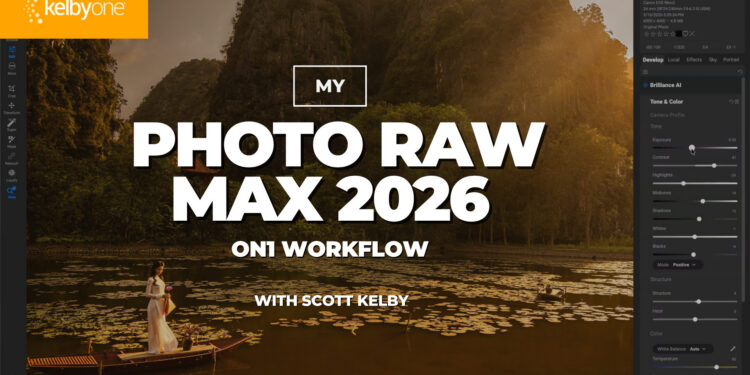
Ever wonder what Scott Kelby’s actual ON1 Photo RAW MAX workflow looks like? This class takes you inside his complete process from start to finish.
Scott shares the order he uses the tools, which ones he reaches for most, and which ones he usually skips. You’ll see how he works with NoNoise AI, Resize AI, Brilliance AI, Sky Swap AI, Tack Sharp AI, and some of his favorite creative effects, including Bleach Bypass, LUTs, sun flares, and vignettes.
The goal is to give you a simple, repeatable workflow you can use whether Photo RAW MAX is your main editor or you use it alongside Lightroom and Photoshop.
And for a limited time, you can watch the entire class for free. Watch Scott tell you more about it below, then check it out here.