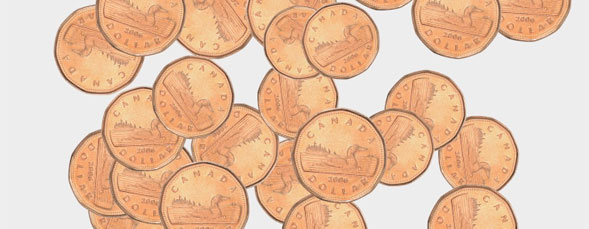
Use Illustrator to define a graphic as a symbol and then create a design using the symbol as a brush. Then take the design back into Photoshop.
Author: Corey Barker
Corey is the newest education and curriculum developer for the National Association of Photoshop Professionals. He is a graduate of the Ringling School of Art & Design in Sarasota, Fl, with a degree in Illustration. Over the years, Corey has worked as a graphic artist in a variety of disciplines such as illustration, commercial design, large format printing, motion graphics, web design and photography. His expertise in Photoshop and Illustrator have earned him numerous awards in illustration, graphic design and photography. Using Photoshop since Version 2, his expertise and creativity have evolved exponentially with every new version, which makes Corey an invaluable addition to the NAPP team.
[...] Layers Magazine » Tutorial Bookmark It Tagged as: Illustrator, Interaction, Photoshop Leave a comment Comments (0) Trackbacks (0) ( subscribe to comments on this post ) [...]
Hello Corey,
This such an easy and effective way of creating your own brush’s using both Photoshop and Illustrator. I supposes you could just use Illustrator to create your own brush strokes, right? Might just try this out to see if it works.
Thanks for the demo.
[...] Besuchen Tutorial [...]
[...] Visit Tutorial [...]
[...] Visit Tutorial [...]
[...] Visit Tutorial [...]
[...] Visit Quick Tip [...]
[...] Photoshop and Illustrator Interaction Photoshop and Illustrator repeat many of the same functions but there are a few things that Photoshop can do much better than Illustrator and vise versa. This tutorial from Layers Magazine demonstrates how to utilize both programs to save time. Visit Tutorial [...]