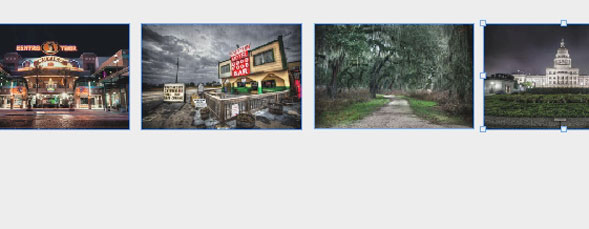
InDesignTutorials Four Indesign CS5 Tips RC Concepcion goes over 4 invaluable tips for document dimensions, placing images, and resizing frames automatically in Indesign CS5. RC Concepcion August 13, 2010 10
Gear Phantasm CS Publisher When working in Illustrator, have you ever thought that it would be nice to have Photoshop-type color adjustments? How about adding a few Acrobat prepress ... David Creamer August 12, 2010 1
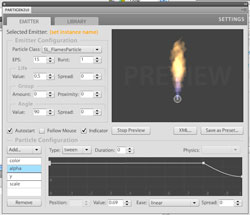
Gear Desuade Partigen 2 Partigen 2 ships with more than a hundred presets (fire, water, explosions, bubbles, etc.), which you can modify as it suits your needs. marcus geduld August 11, 2010 2
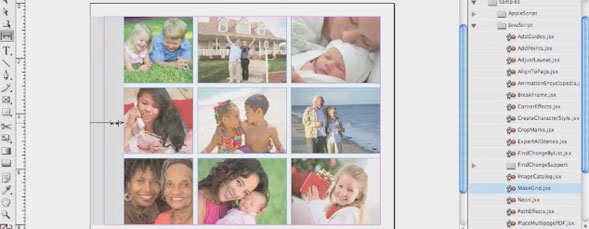
InDesignTutorials InDesign CS5: Gap Tool Use the new Gap tool in InDesign CS5 to manipulate white space in your page design. jeff witchel August 10, 2010 2
IllustratorPhotoshopTutorials Using Symbols in Illustrator for 3D Effects in Photoshop Illustrator is a terrific resource for creating symbols. Corey takes those symbols into Photoshop and uses the new 3D tools to get creative. Corey Barker August 6, 2010 9
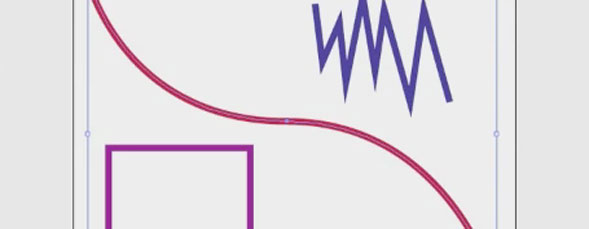
IllustratorTutorials Adobe Illustrator CS5: Stroke of Genius Jeff Witchel shows off the newly-overhauled stroke panel in Illustrator CS5. jeff witchel August 5, 2010 1
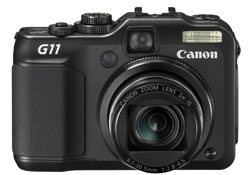
Gear Canon PowerShot G11 The G11 is slightly bigger but otherwise looks remarkably similar to the G10. It shares the same DIGIC 4 Image Processor and 5x optical zoom ... Steve Baczewski August 3, 2010 3
PhotoshopTutorials Stamp and Envelope Design in Photoshop, Part 2 In this two-part tutorial, viewers will learn how to use a stock image of a paper texture to design an envelope, a stamp, and a ... Jessica Maldonado August 2, 2010 6