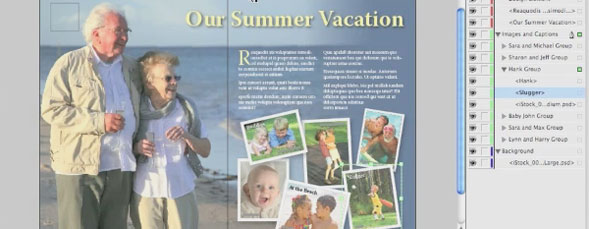
Jeff Witchel explores some of the changes that InDesign CS5 has made to the layers panel, including the ability to affect individual objects inside layers.

Share & Enjoy


  1. Eugene (Reply) on Tuesday September 7, 2010

    In the Preferences you can change the setting for how locked objects behave.

    One other AWESOME thing about the New Layers Panel, is that you can Right Click / CMD Click on something in the Layers panel, and there’s the option to “Select and Fit Item” – this selects the item and fits the zoom right onto what you want to look at :)


Planet Photoshop Photoshop World Kelby Training Lightroom Killer Tips NAPP Scott Kelby
